Everything it does and how to do it. Starts with what it's actually for, then works down into every button, screen and phrase.
The device is for when you're standing up with your hands full. The app is for when you're sitting down, or out at the shop.
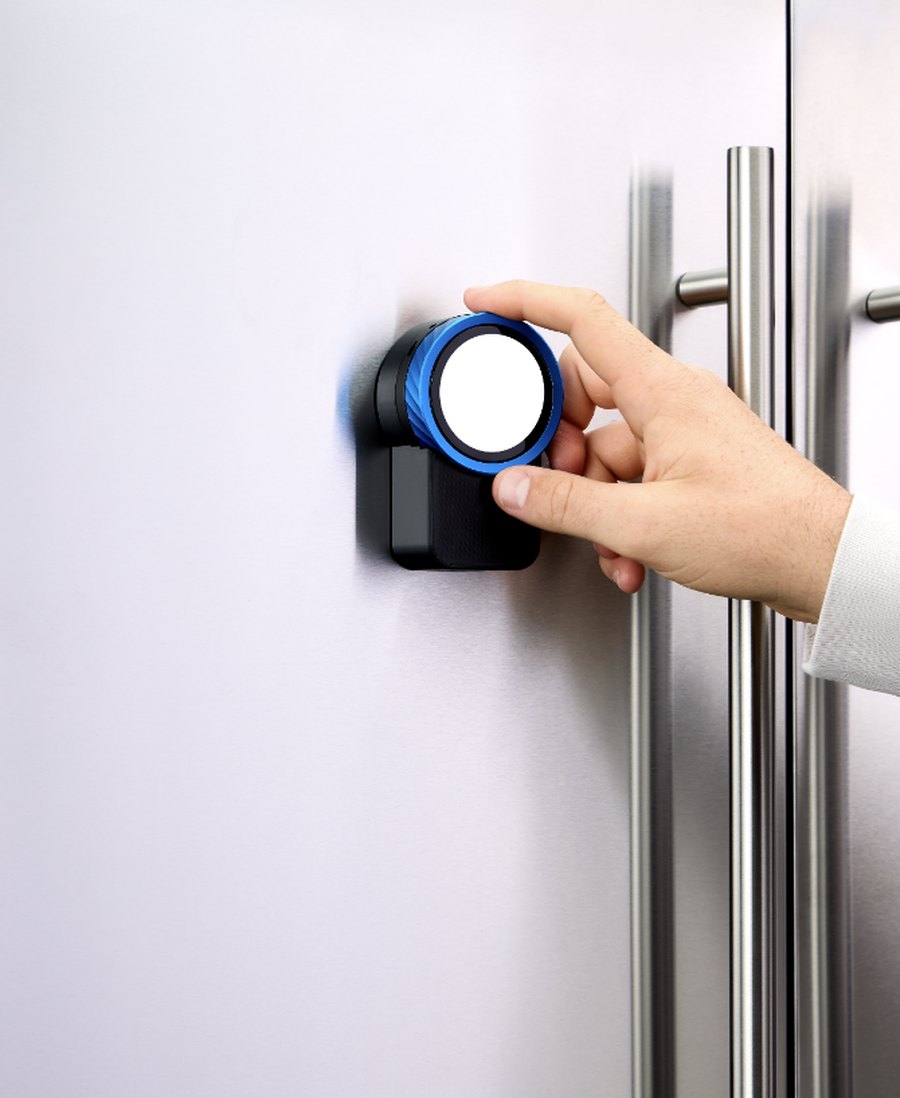
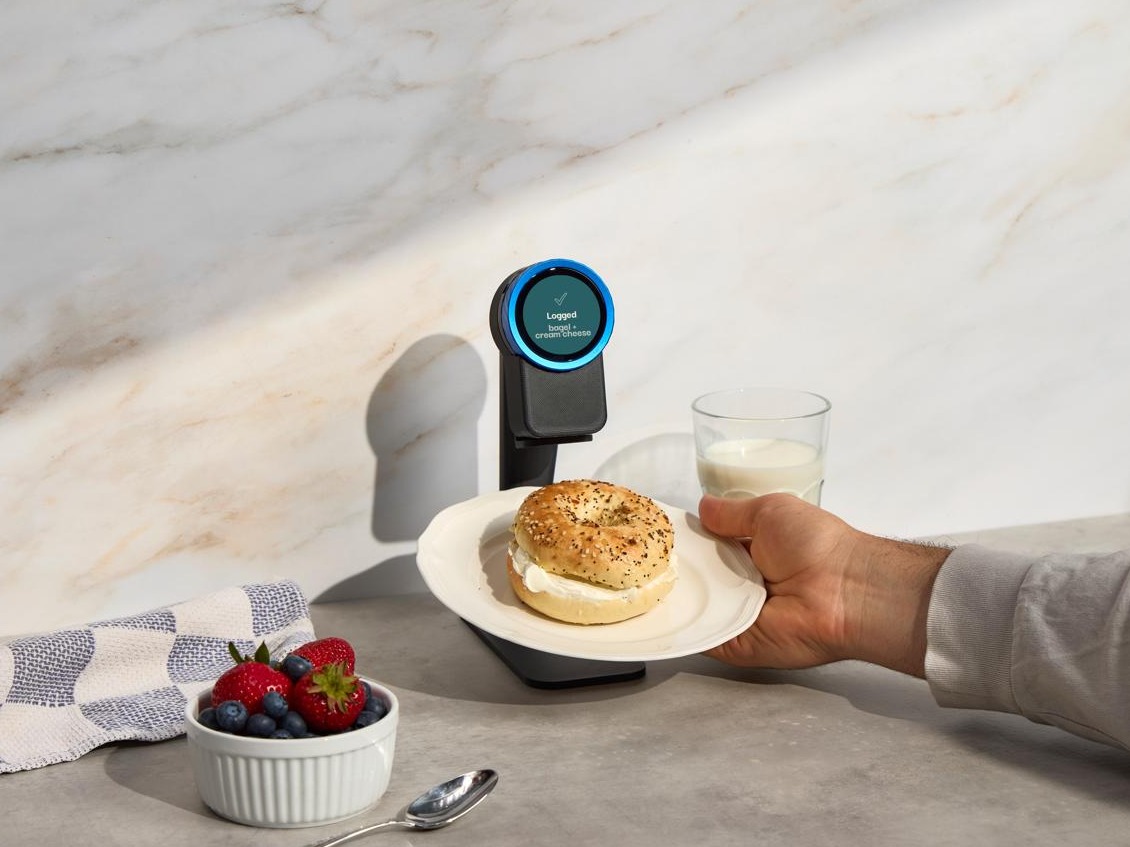
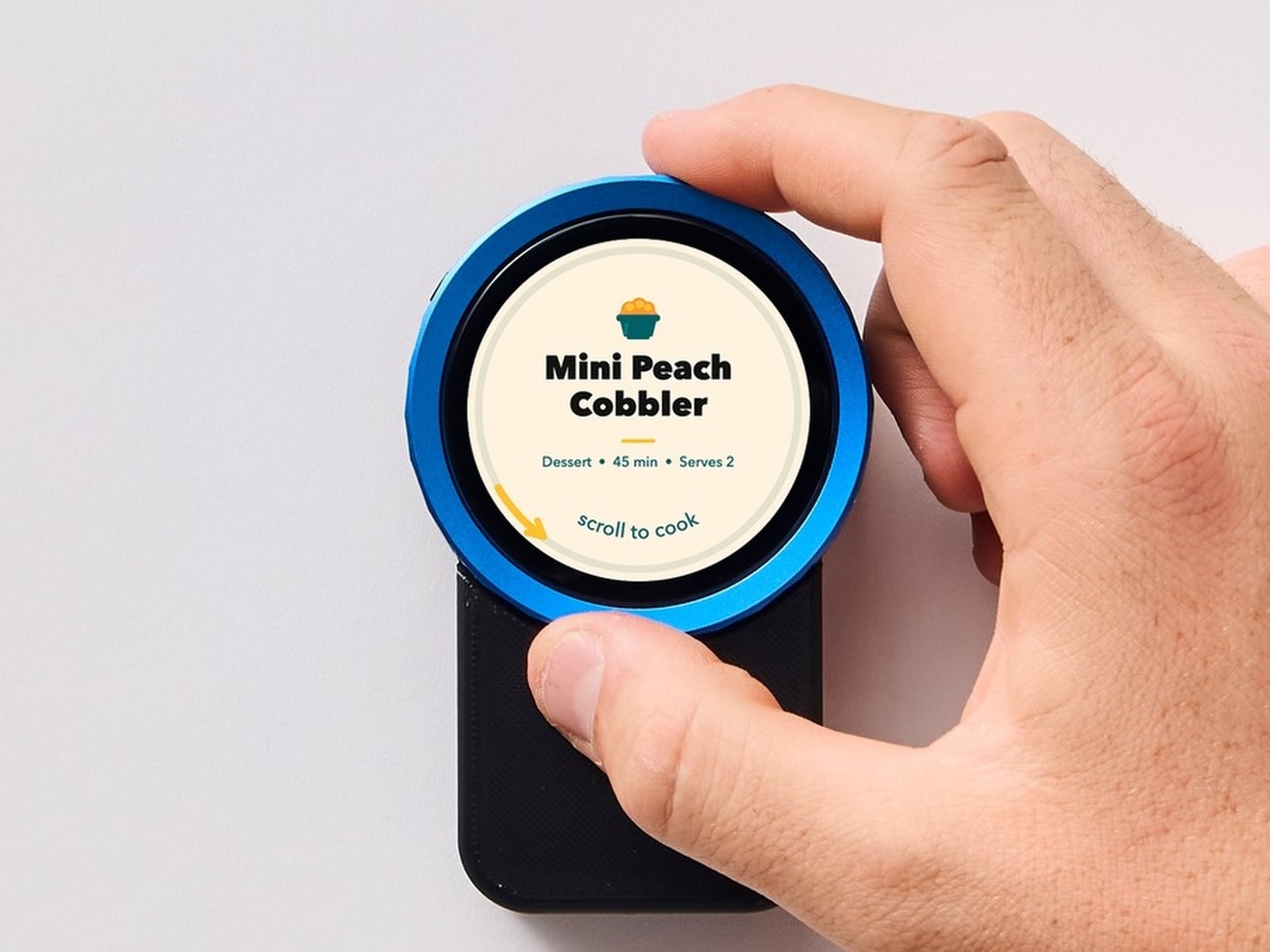
Magnetic onto the fridge door, or the countertop stand that comes in the box. Talk to it, hold food up to it, turn the dial. No phone needed for any of it.
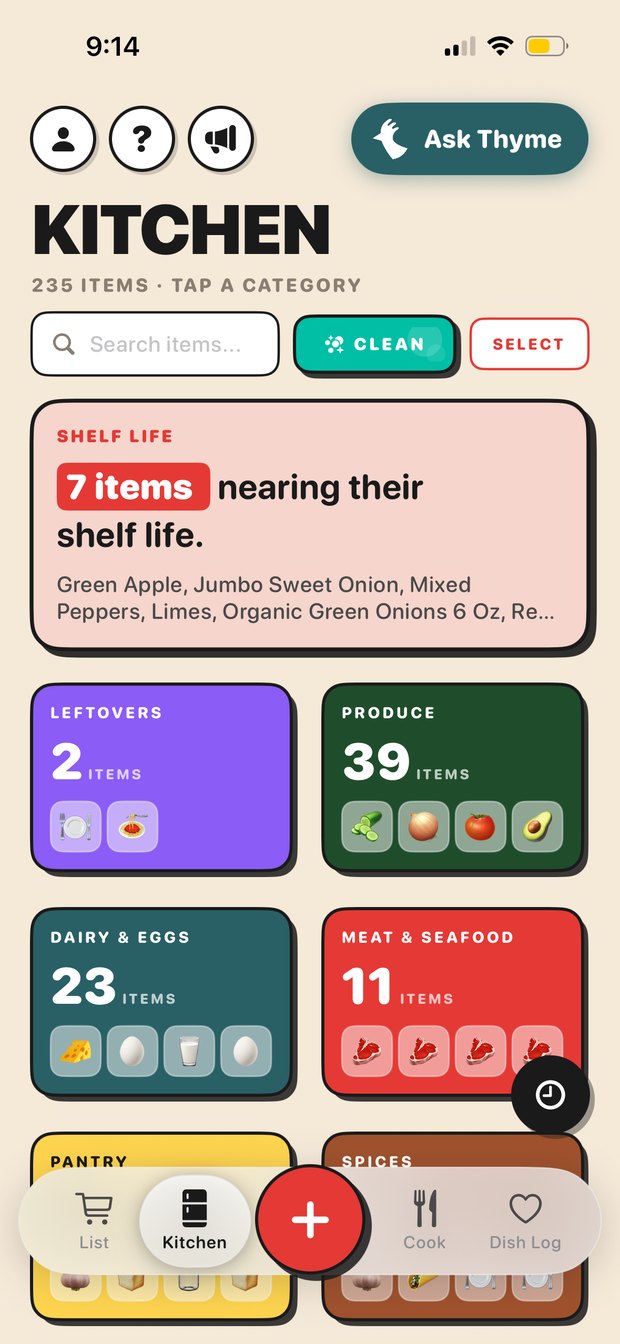
The whole kitchen, the shopping list, recipes and the receipt camera. Everyone in the house sees the same kitchen, so it stops being one person's job.
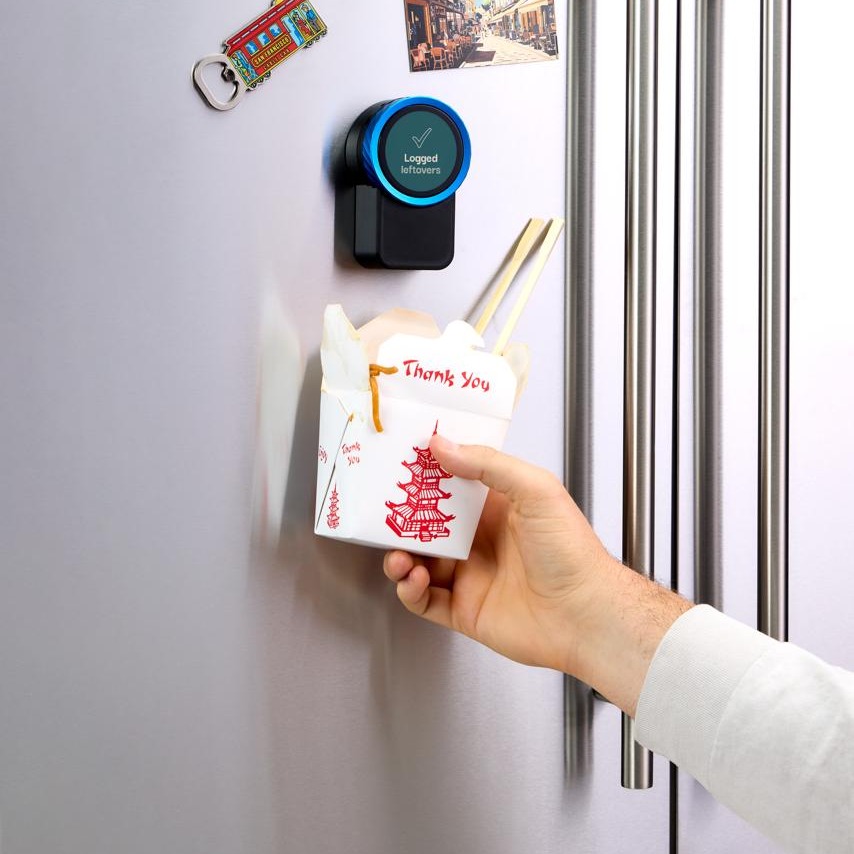
Six things it does. All of them work without touching your phone.
For when your hands are full or covered in something. The fastest way to add to the list or take something out of the kitchen.
For leftovers and anything that comes home without a receipt. Takeout containers, a tray of something you cooked, a bag from the corner shop.

The other half of check-in. When something is finished or has gone off, tell the device and it leaves your kitchen and lands on the shopping list.
Macros off a real plate, without weighing anything or typing it into a food diary.

The whole recipe start to finish without picking your phone up. Nothing to unlock, nothing that times out, wet and floury hands welcome.

Thyme knows what's actually in your kitchen, so the answers are about your food, not food in general.
Where the kitchen lives, and where food gets in fastest.
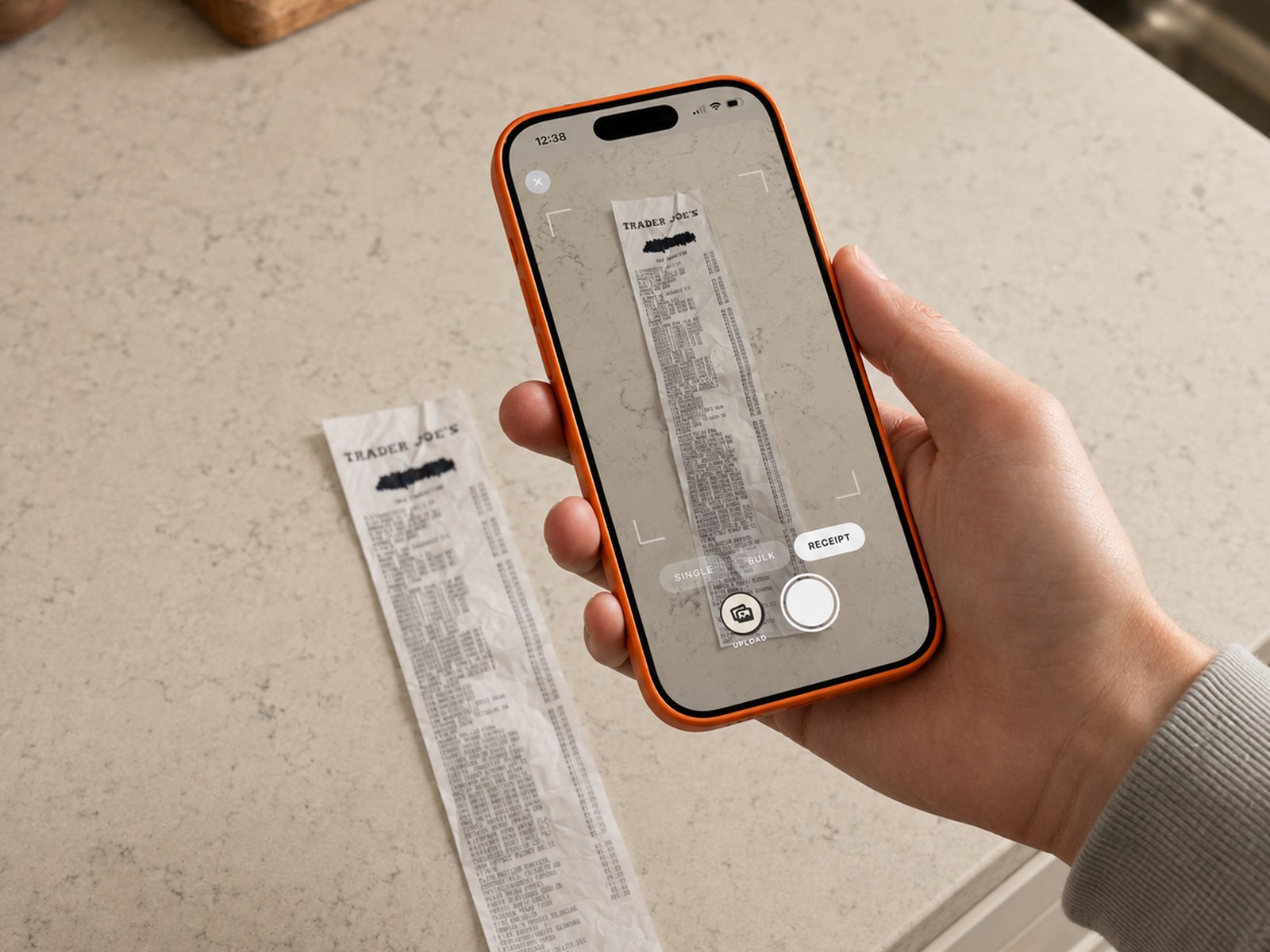
The fastest way to check in a whole shop. One photo instead of scanning items one at a time.

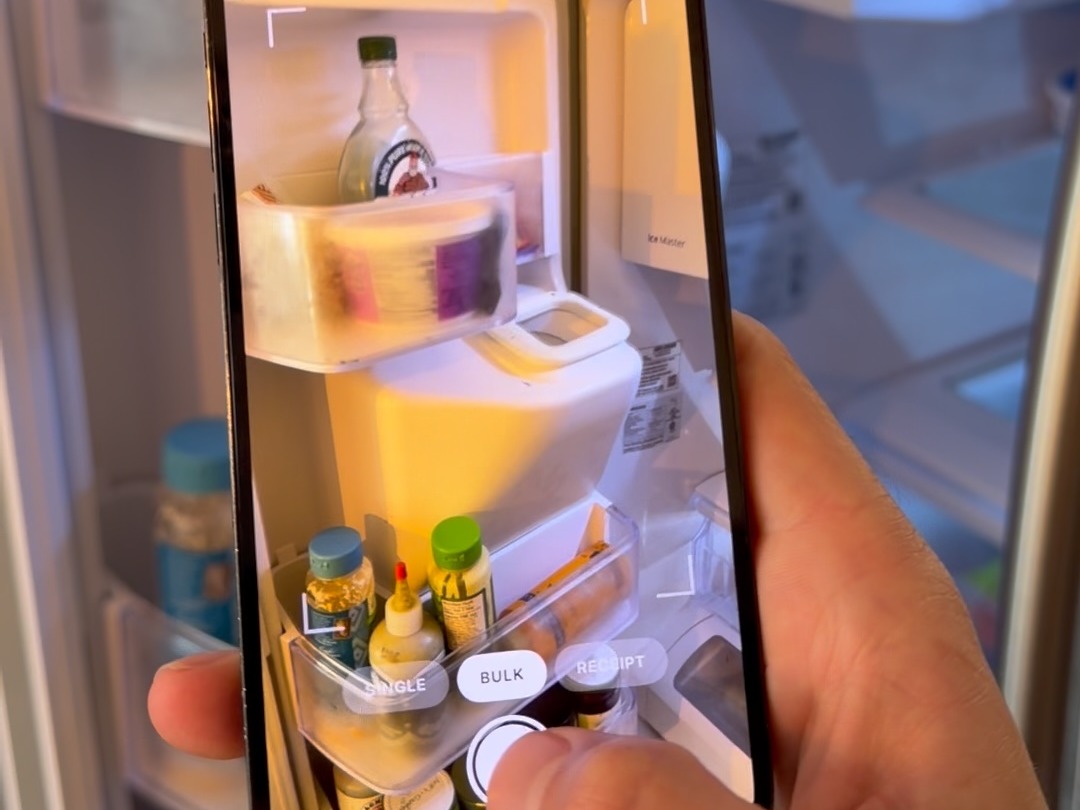
For getting started when you're already stocked, or catching up after a shop you forgot to log.

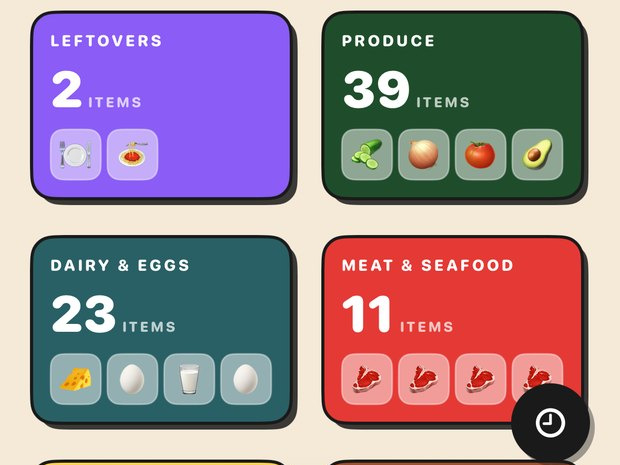
The home screen. Everything in the house, counted, grouped by category - including the back of the pantry you never look at.

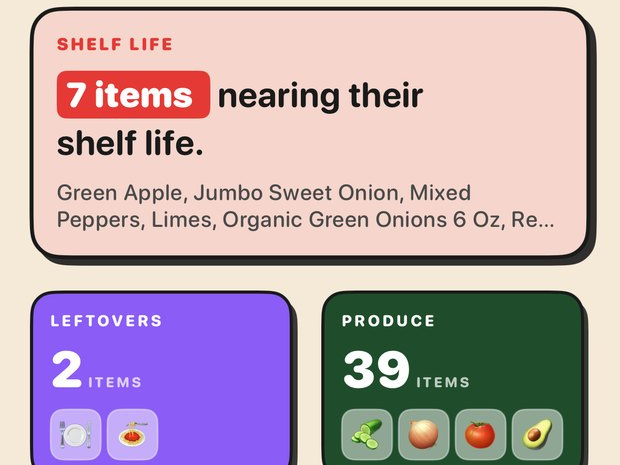
The single most useful screen in the app. It tells you what to eat first, by name, before it turns.

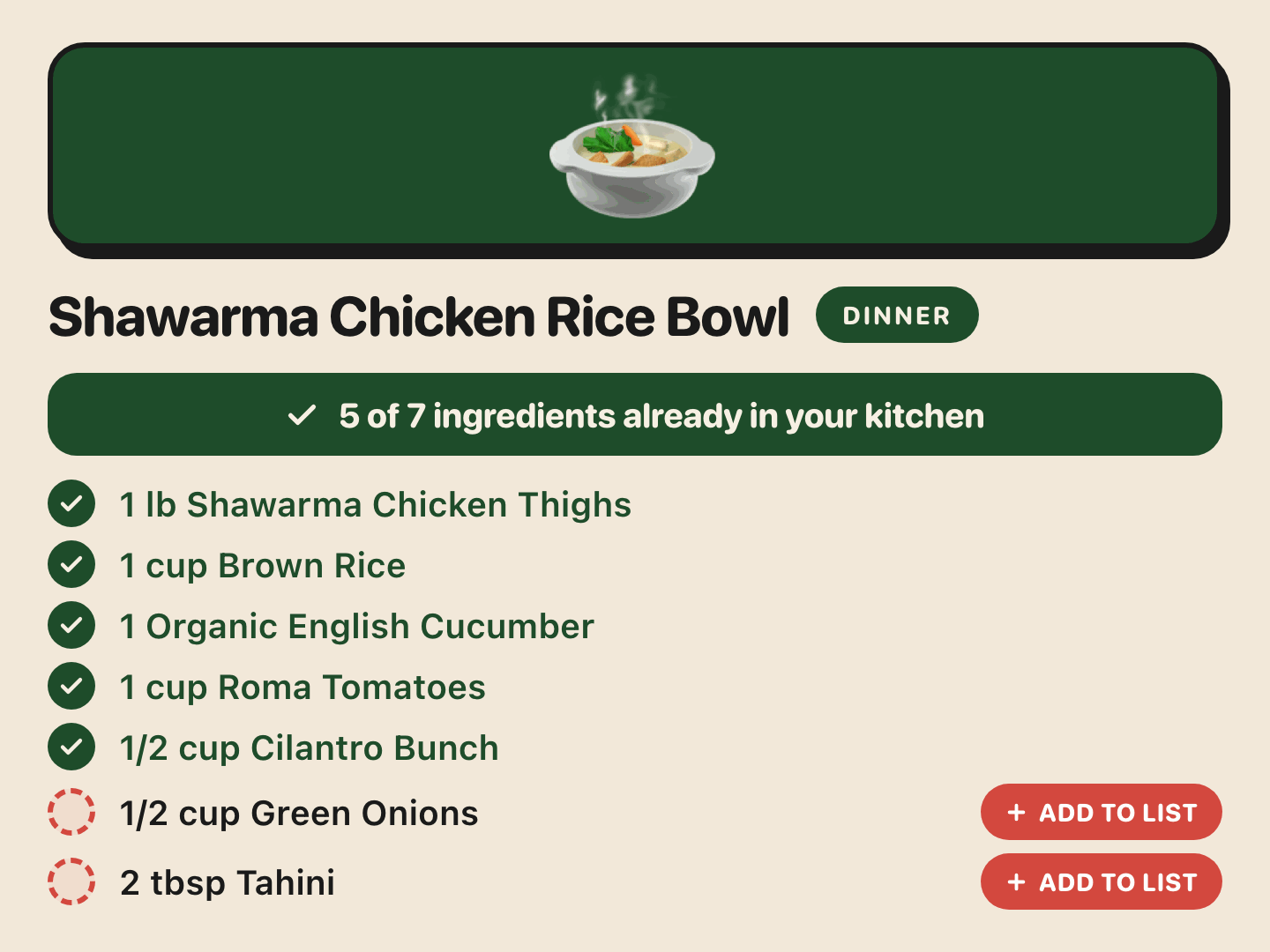
Every recipe is checked against your kitchen - the ones Trepo suggests and the ones you saved off Instagram or TikTok.

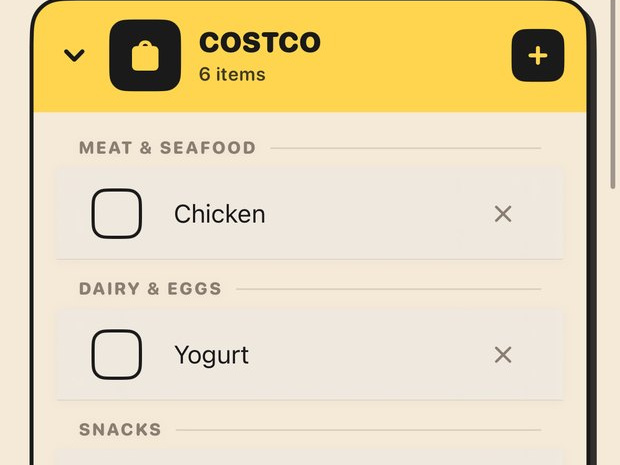
It builds itself. Things run out, they land on the list - you never sit down and write one.

The whole guide on one screen. Screenshot this bit.